Product storyteller
Begin with a clean product photograph and describe a slow camera move that keeps its shape recognizable.
A motion concept to review for visual consistency before using it in a campaign.
text to videoImage-led video
A still image gives a video idea its subject and composition. Describe the movement you want, then check the destination tool’s current features and access terms before submitting your image.

Image-to-video work starts with a visual reference rather than a blank scene description. These use cases show what different creators might ask a moving clip to accomplish.
Begin with a clean product photograph and describe a slow camera move that keeps its shape recognizable.
A motion concept to review for visual consistency before using it in a campaign.
text to videoChoose one treasured portrait and request restrained background motion rather than an expressive face change.
A gentler way to test whether animation suits the memory.
How can I turn my photos into videos?Use a landscape still and describe a slow pan across the original view.
A possible transition between clips without inventing a new location.
text to videoStart from a portrait and specify small movements while keeping clothing and background details stable.
A short visual idea that still needs inspection frame by frame.
How can I turn my photos into videos?The source image anchors appearance, but it cannot define every moment of motion. Compare what you provide with what you must describe or verify.
Source image
Visible in one frame
Requested video
Should remain recognizable throughout
Source image
Fixed viewpoint and crop
Requested video
May shift if camera motion is requested
Source image
Not present
Requested video
Needs a clear direction and intensity
Source image
Captured at one instant
Requested video
Needs checking for flicker or sudden changes
Source image
Outside the frame or obscured
Requested video
May require newly inferred detail
Source image
Inspect one image
Requested video
Inspect the beginning, middle, and end
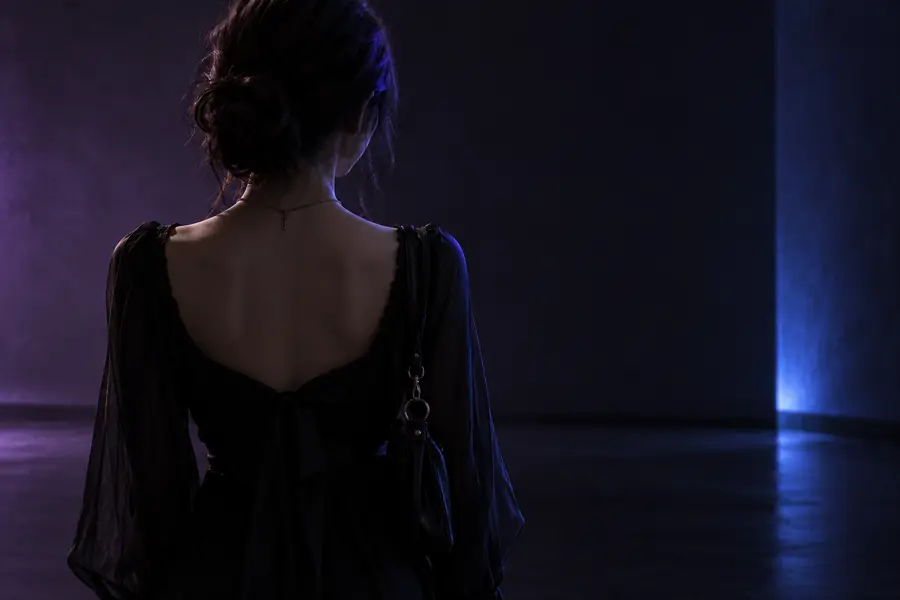
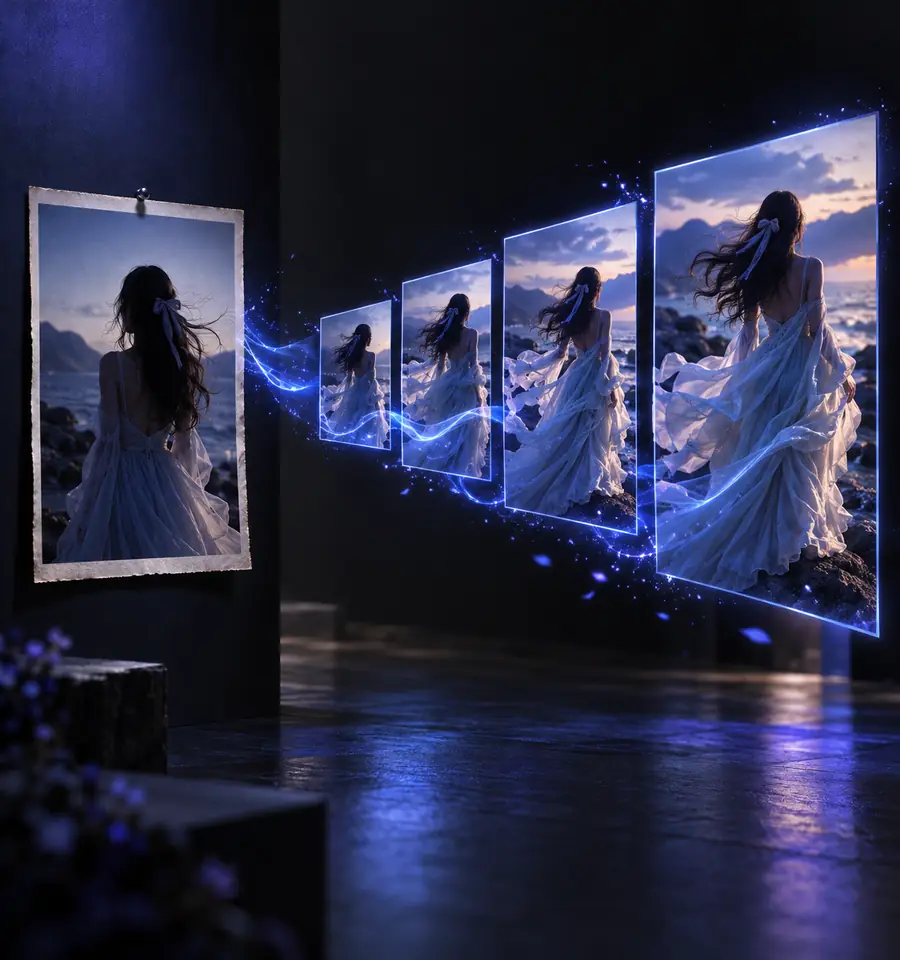
Drag the divider to compare a reference portrait with an illustrative cinematic frame. The images demonstrate what to inspect, not a verified output from the linked tool.
A slider compares two still frames; it cannot show motion quality, timing, or continuity. Review the complete clip separately.
A focused request makes the intended movement easier to judge than a long list of competing effects.
Choose a photo with a distinct subject, enough space for the intended movement, and permission to use it. Avoid relying on details that are too small to inspect.
State what moves, how the camera behaves, and what should stay unchanged. For example, request a slow push-in while the subject remains in place.
Look for changes to faces, hands, lettering, edges, and backgrounds across successive frames. Revise the request if the movement overwhelms the original image.
A source photo helps define a scene, but it does not guarantee faithful movement or access without restrictions.
A single view does not show the back of an object or what is behind a person. Large rotations can reveal guessed details.
WorkaroundKeep camera movement modest or provide a more suitable starting view.
Fine text, jewelry, fingers, and product markings may change between frames.
WorkaroundInspect those areas throughout the result and use conventional editing where exact detail matters.
An image to video ai free search does not confirm that the linked destination offers unrestricted generation, specific formats, or a particular allowance.
WorkaroundRead the destination’s current terms and available options before uploading.
Bring a source image and a short motion description to the linked destination. Check its current upload requirements and access terms there, then judge any result for continuity rather than relying on a single attractive frame.
Image-to-video tools are designed to create motion from a still photo. The available upload workflow and results depend on the tool you choose, so check its current options before submitting an image.
A clear subject and an uncluttered composition make it easier to describe and evaluate movement. Leave room in the frame if you want a camera move, and use a photo you have permission to submit.
Not necessarily. Motion can introduce changes to faces, text, objects, or areas that were hidden in the original, so inspect the full clip rather than only its first frame.
No. A search phrase does not establish a tool’s current access terms or the rights attached to an output. Check the destination’s terms, including any usage restrictions, before creating or publishing a clip.